26official sources checked for this route
37public review signals categorized
2026-08-09latest source date in this view
Labeledpaid hands-on status and affiliate disclosure
Private photo check
AI girlfriend private photos: check privacy before you upload.
Before uploading selfies, private photos, screenshots, or image prompts to an AI girlfriend app, check what is stored, what may be reviewed, what can be deleted, what support can remove, and whether cancellation is separate from data deletion.
Fast route
If the upload feels private, verify what private means in the policy.Private-feeling chat and private data control are not the same thing. Check retention, deletion, support, moderation, and billing records first.

Illustrative, not official UI.
Locked mediaStart from the buying moment, then check the risk.
The point is not to deny the pull. It is to check cost, cancellation, refund, privacy, and public signals before the pull turns into payment.
- Visible temptation
- Concrete cost question
- Fast check before checkout
Fast read
The upload is the point of no easy undo.
If a photo, screenshot, or prompt reveals personal or intimate context, check deletion and retention before upload rather than after regret.
Copy-ready answer
Use this when someone asks what to check before paying or uploading.
These are short, SFW answer snippets. Each one links to a check page, not a direct affiliate link.
What people check too late
Catch the regret while the decision is still reversible.
This is the pause that makes Companion Cost different from a normal ranking page: name the payment trigger, then check the cost, privacy, refund, or cancellation issue tied to that trigger.
Is image generation included, credited, or sold separately?
Check custom image limits, credit burn, queue limits, video/voice bundles, and whether retries cost extra.
Check this firstWould the same behavior still look cheap after multiple requests?
Run the calculator with visual-heavy use rather than judging the first image unlock alone.
Check this firstHave you checked uploads, prompts, and deletion before sharing details?
Image generation can involve prompts, private preferences, uploads, and generated media. Check data controls before paying.
Check this firstPre-pay logic
A private-feeling app can still have data paths.
The reader may experience the chat as one-to-one. The policy may describe storage, providers, support, moderation, analytics, or legal retention differently.
Uploaded files
Generated media
Prompts and preferences
Support and moderation
Deletion request path
Pre-pay logic
Check deletion before the upload becomes personal.
The right question is not only whether the app allows an upload. It is what you can do if you later want the account, photo, prompt, or generated result removed.
Find the account deletion route.
Find the data deletion request route.
Check whether billing records remain separate.
Check whether generated media can be removed.
Avoid uploads until the policy is clear enough for your risk tolerance.
Choose the route that matches the trigger
Do not compare apps before you know what made you want to pay.
These routes turn desire into a specific check. Start with the one that matches your buying moment.
 Memory-first
Illustrative, not official UI.
Memory-first
You want it to remember you.
Verify firstUse this route when late-night chat, continuity, and small remembered details make payment feel emotionally reasonable.
current planmemory controlsrefund and deletion
Locked mediaIllustrative, not official UI.
Locked media
You want to unlock the image.
Verify firstUse this route when blurred previews, private media, voice, or video are the reason checkout feels close.
creditsmedia limitsphoto privacy
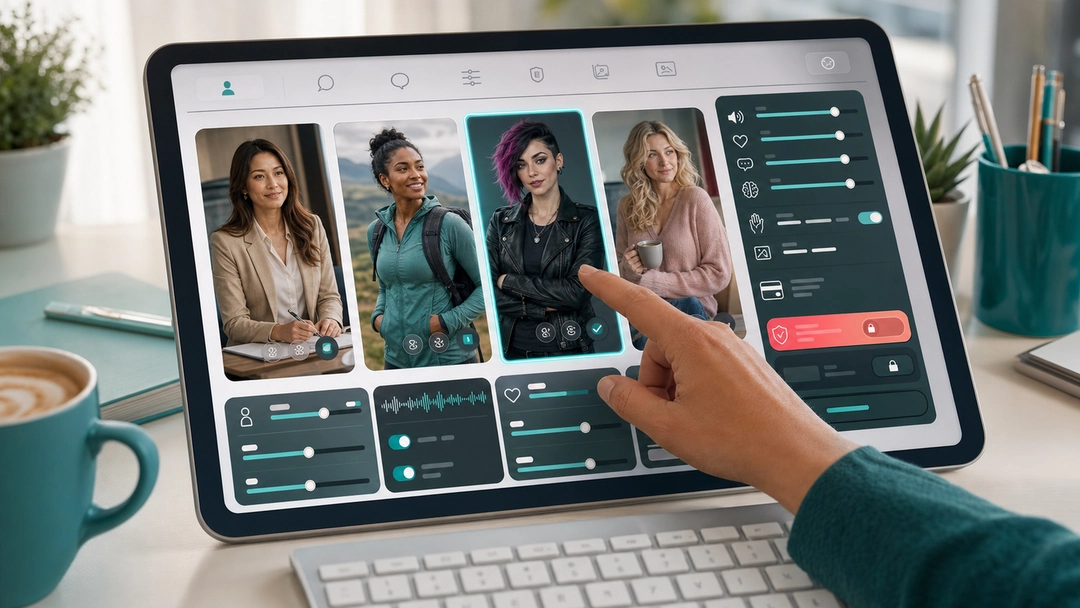 Build-your-type
Illustrative, not official UI.
Build-your-type
You want to create the exact type.
Verify firstUse this route when look, voice, personality, backstory, or premium customization makes the app feel personal.
annual totalcoinsincluded features
 Sale window
Illustrative, not official UI.
Sale window
You saw a discount and feel the clock.
Verify firstUse this route when annual pricing, a promo, or a deadline makes payment feel easier than waiting.
annual totalrenewalrefund limits
 Intro + renewal
Illustrative, not official UI.
Intro + renewal
You finished the character and the first price feels small.
Verify firstUse this route when a discounted first payment, 100 monthly tokens, images, or voice make the Plans page feel like the final step.
second chargetoken burnrefund and maintenance
Fast answers
Questions to settle before paying.
These answers match the visible page guidance and are repeated in structured data for search engines and AI discovery systems.
What should I check before uploading private photos?
Check what is uploaded, where it may be processed, whether generated media is stored, how deletion works, and which support route handles account or data requests.
Should I upload photos before paying?
Only after the privacy, retention, deletion, and support path is clear enough for your risk tolerance. Payment does not automatically make private data easier to remove.
Should I pay after reading this page?
Do not pay from this page alone. Use it to identify the risk, then verify the current checkout, billing route, cancellation path, refund wording, and privacy controls.
Is this a hands-on review?
No. This is a source-backed pre-pay check using official-source review, public signal categories, and site rules. Paid hands-on test: not completed yet.
Research basis
What this page uses as evidence.
The page is based on official-source checks, public signal categories, competitor pattern research, and purchase-psychology research. It is not a fake personal review.
Evidence note
WIRED privacy reporting supports treating intimate AI companion data as a privacy risk before upload or payment.
Evidence note
Privacy lifecycle research supports checking entry, disclosure, retention, deletion, and exit before deeper use.
Evidence note
This page does not claim any app gives complete privacy or complete deletion.
Some links may be affiliate links. Scores do not depend on commission rate.
Browse this cluster
Keep the check connected.
A single page rarely covers the whole decision. Move through the related guide, tool, comparison, and signal routes before opening checkout.
Browse all guides
Start from hidden costs, locked photos, AI sexting cost, credits, refunds, private uploads, or cancellation.
Open all pre-pay toolsChoose by checkout pressure: credit burn, trial renewal, private upload, refund risk, or app red flags.
Estimate your 30-day costCompare low, expected, and high ranges before you subscribe.
Regret mapCheck the patterns that usually show up after the first payment: locked media, billing, support, privacy, and refunds.